Create your student portfolio
Add your projects, experience and skills, preview your website, and publish it with GitHub Pages. No coding is required.
How to create your portfolio
You work in your web browser. There is nothing to install.
-
STEP 1
Customize
Click ✎ Edit to add your name, photo, links, projects, experience and skills.
-
STEP 2
Preview
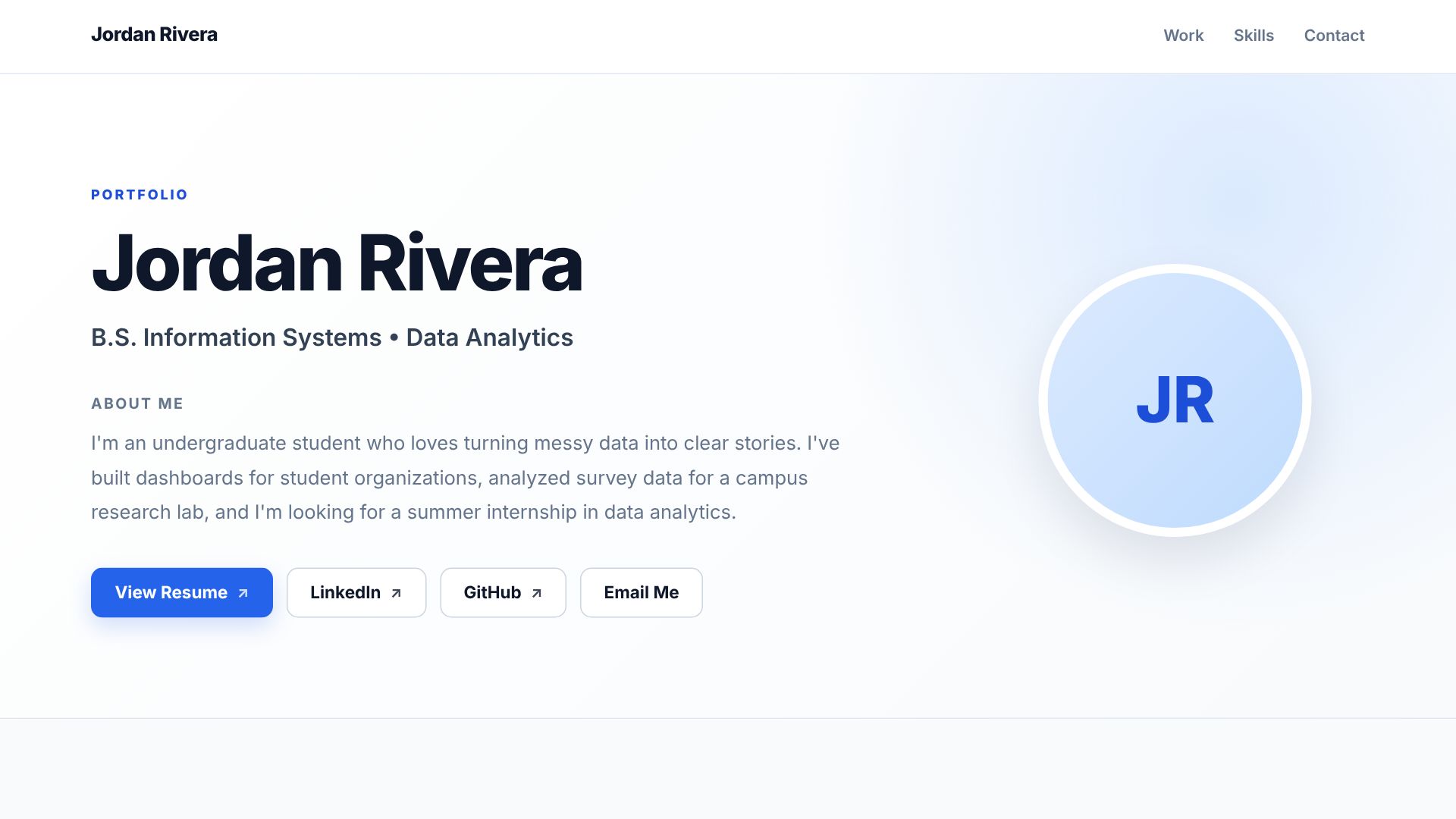
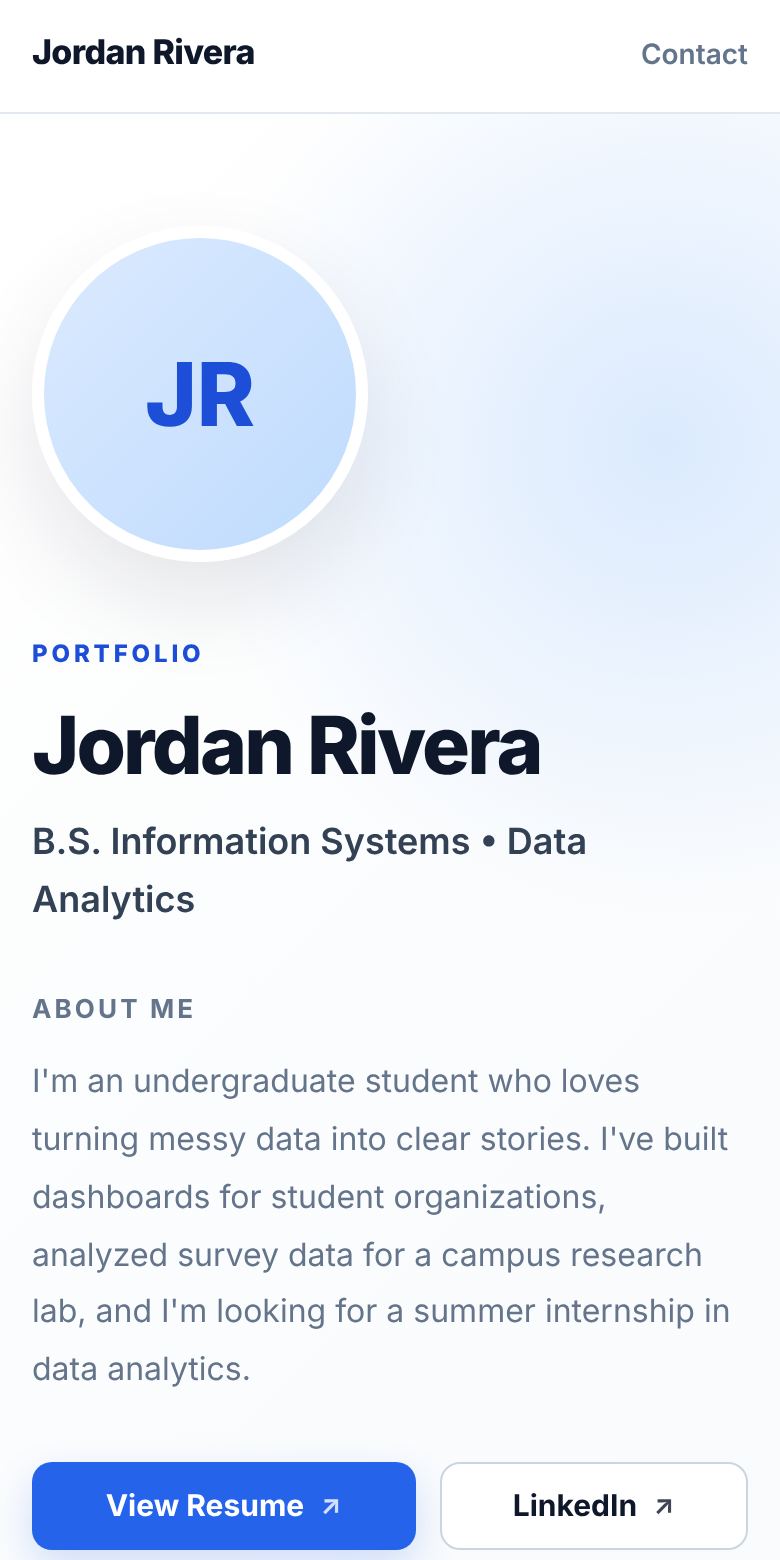
See exactly how your site looks on a laptop and on a phone before you publish.
-
STEP 3
Export
Download one ready-to-publish file, index.html, with your whole website inside.
-
STEP 4
Publish
Upload the file to GitHub Pages and share your link. The editor includes a step-by-step guide.
New to GitHub? Click Draft → How to publish in the editor for a step-by-step guide.
Choose your portfolio design
Frequently asked questions
Is it really free?
Yes. Portfolio Creator is free, and GitHub Pages hosts your website for free.
Do I need to know how to code?
No. You fill in your information with Edit and Add buttons. The editor creates the website file for you.
Where is my draft saved?
Only in the browser you are using, on this device. Switching computers or browsers, or clearing browser data, can remove it. Use Draft → Download backup to keep a copy.
Who can see my published portfolio?
Anyone with the link can see it, because a GitHub Pages site is public. Only include information you are comfortable sharing, and leave out private details like your home address or phone number.
How do I update my site later?
Open the editor (or restore your backup), make your changes, export again, and upload the new index.html to the same GitHub repository. It updates in a few minutes.